

Description
EaseAccess Lite is a free, lightweight accessibility plugin that helps WordPress site owners make their websites more inclusive and WCAG-friendly. It adds a customizable accessibility widget to the front of your site, giving visitors a set of tools to adjust the page to their needs.
Key features
- Text adjustments — increase / decrease font size, adjust line height and letter spacing
- Contrast modes — high contrast, dark mode, light mode, monochrome, low saturation
- Reading aids — reading guide, reading mask, highlight links, highlight headings, big cursor
- Content controls — pause animations, hide images, readable font
- Dictionary lookup — look up word definitions on demand
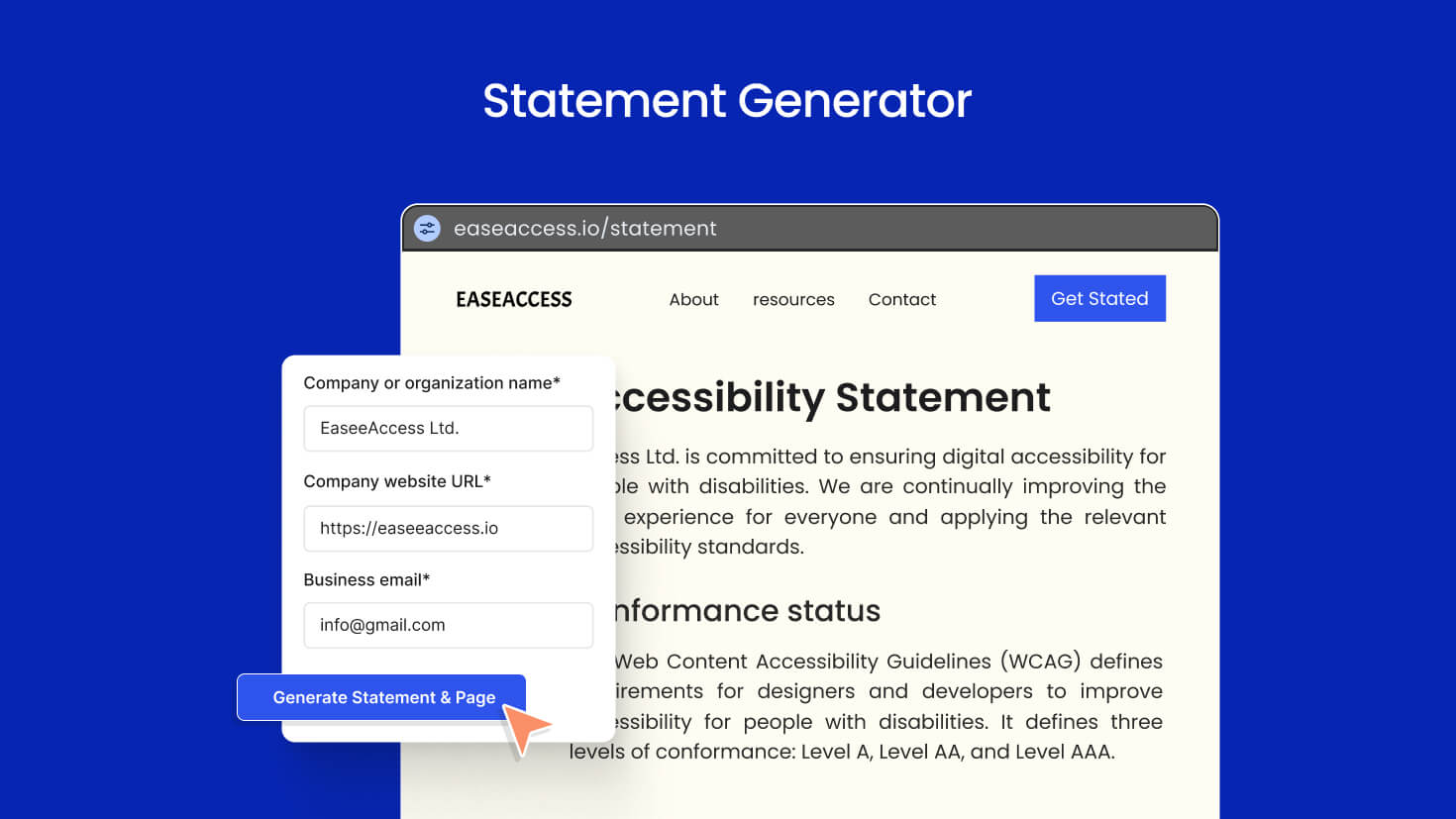
- Accessibility statement generator — create a WCAG-style accessibility statement page in seconds
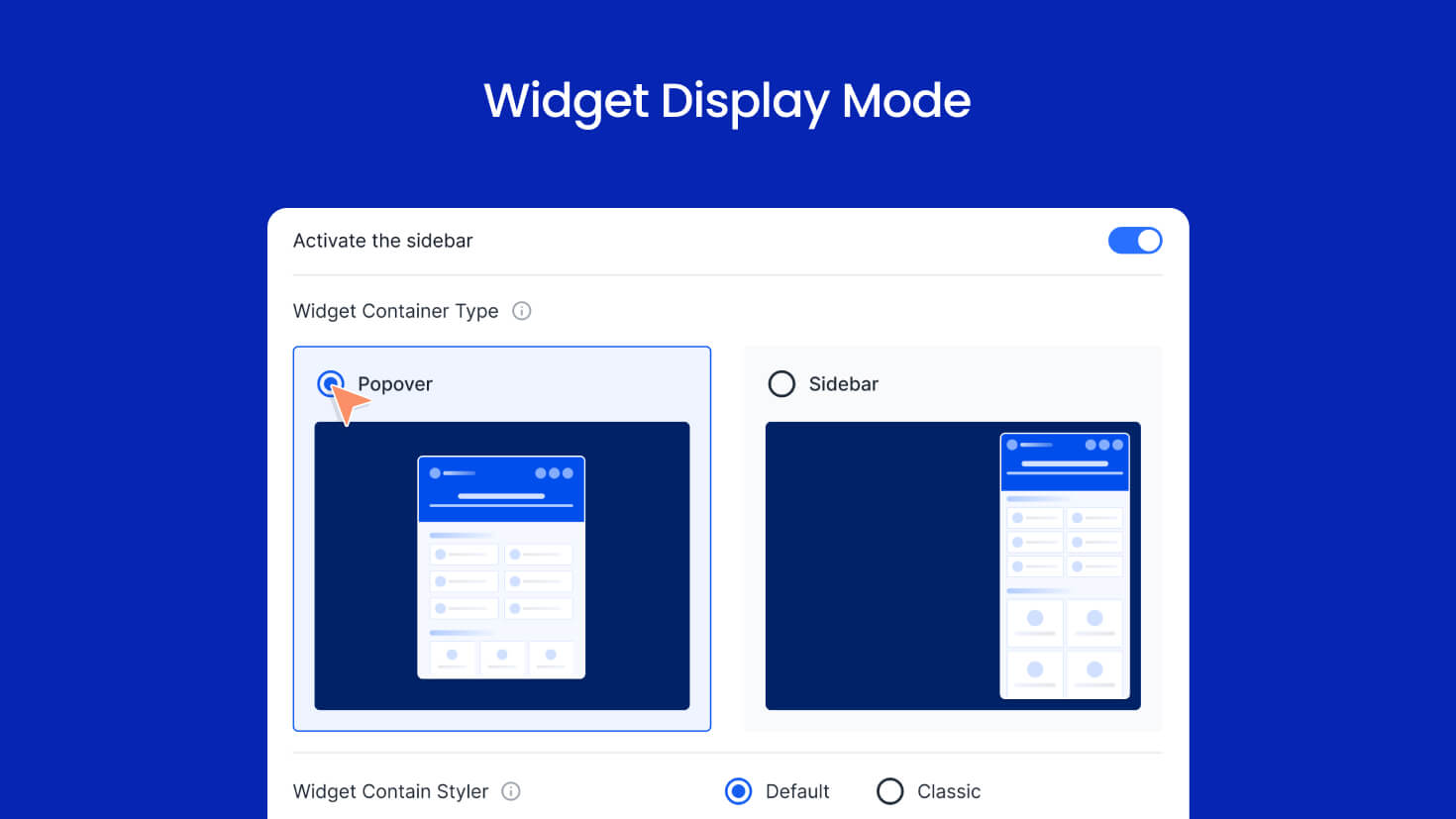
- Smart display rules — show the widget everywhere, only on selected post types, or exclude specific ones
- Page builder aware — automatically skips Elementor, Divi, Beaver Builder, Oxygen, and Bricks editor sessions
- Nav menu integration — optionally render the widget as a menu item
- Customizable button — color, position, size, shape
- Translation ready — full i18n support, ships with
.potfile - Clean uninstall —
uninstall.phpremoves every option this plugin creates
External services
This plugin connects to one external service to provide an optional feature. The service is only contacted when a visitor explicitly triggers the corresponding action in the accessibility widget — nothing is sent automatically on page load.
Dictionary API (api.dictionaryapi.dev)
- What it does: Looks up the English definition of a single word.
- When it is contacted: Only when a site visitor uses the Dictionary feature inside the accessibility widget and submits a word.
- What data is sent: A single sanitized word (letters A–Z only). No personal data, no IP forwarding from the plugin, no cookies. The request is proxied through your own site’s REST API (
/wp-json/easeaccess-lite/v1/dictionary/{word}), and your server then makes the outbound request tohttps://api.dictionaryapi.dev/api/v2/entries/en/{word}. - Why it is needed: To return the definition back to the visitor.
- Service provider: Dictionary API — a free, open dictionary service.
- Terms of service: https://dictionaryapi.dev/
- Privacy policy: https://dictionaryapi.dev/
If you do not want this service used, you can disable the Dictionary feature in the EaseAccess Lite admin settings, in which case no requests are ever made.
Development
EaseAccess Lite is open source. Full source code, build tooling and contribution guide:
https://github.com/easeaccess/easeaccess-lite
Build steps:
1. npm install
2. npm run build
3. The compiled assets land in /build/.
Third-party assets:
* Country flag icons are bundled from the flag-icons project (MIT license) — https://github.com/lipis/flag-icons
Screenshots
Installation
- Upload the
easeaccess-litefolder to the/wp-content/plugins/directory, or install the plugin through the WordPress Plugins screen directly. - Activate the plugin through the Plugins screen in WordPress.
- Go to EaseAccess Lite in the admin sidebar to configure the widget.
- Visit your site — the accessibility widget will appear in the corner you selected.
FAQ
-
Does this plugin make my site WCAG compliant automatically?
-
No plugin can make a site automatically WCAG compliant. EaseAccess Lite provides user-facing accessibility tools and an accessibility statement generator to help your visitors and demonstrate your commitment, but full WCAG conformance also requires accessible content authoring (alt text, headings, color contrast, semantic HTML, etc.).
-
Will the widget slow down my site?
-
The frontend bundle is small and loads only on pages where the widget is enabled. You can also restrict it to specific post types via the display settings.
-
Can I hide the widget on certain pages?
-
Yes. In the admin settings, choose Display Mode Exclude and select the post types where the widget should not appear. Include mode does the opposite.
-
Does it work with my page builder?
-
Yes. EaseAccess Lite automatically detects Elementor, Divi, Beaver Builder, Oxygen, and Bricks editor sessions and stays out of the way during editing. The widget still appears on the published page.
-
Is my data sent anywhere?
-
The plugin stores all of its settings in your own WordPress database. The only outbound network call is to a public dictionary lookup service, and only when a visitor explicitly clicks the dictionary feature inside the widget. See the External services section below for full details.
-
How do I uninstall cleanly?
-
When you delete the plugin from the Plugins screen, EaseAccess Lite removes all of its options from your database via
uninstall.php. No orphan data is left behind.
Reviews
There are no reviews for this plugin.
Contributors & Developers
“EaseAccess Lite” is open source software. The following people have contributed to this plugin.
Contributors
Translate “EaseAccess Lite” into your language.
Interested in development?
Browse the code, check out the SVN repository, or subscribe to the development log by RSS.
Changelog
1.0.0
- Initial public release on WordPress.org.